> For the complete documentation index, see [llms.txt](https://documents.risingbamboo.com/wp-ecommax/llms.txt). Markdown versions of documentation pages are available by appending `.md` to page URLs; this page is available as [Markdown](https://documents.risingbamboo.com/wp-ecommax/theme-options/logo.md).
# Logo
Upload a new logo or change your logo
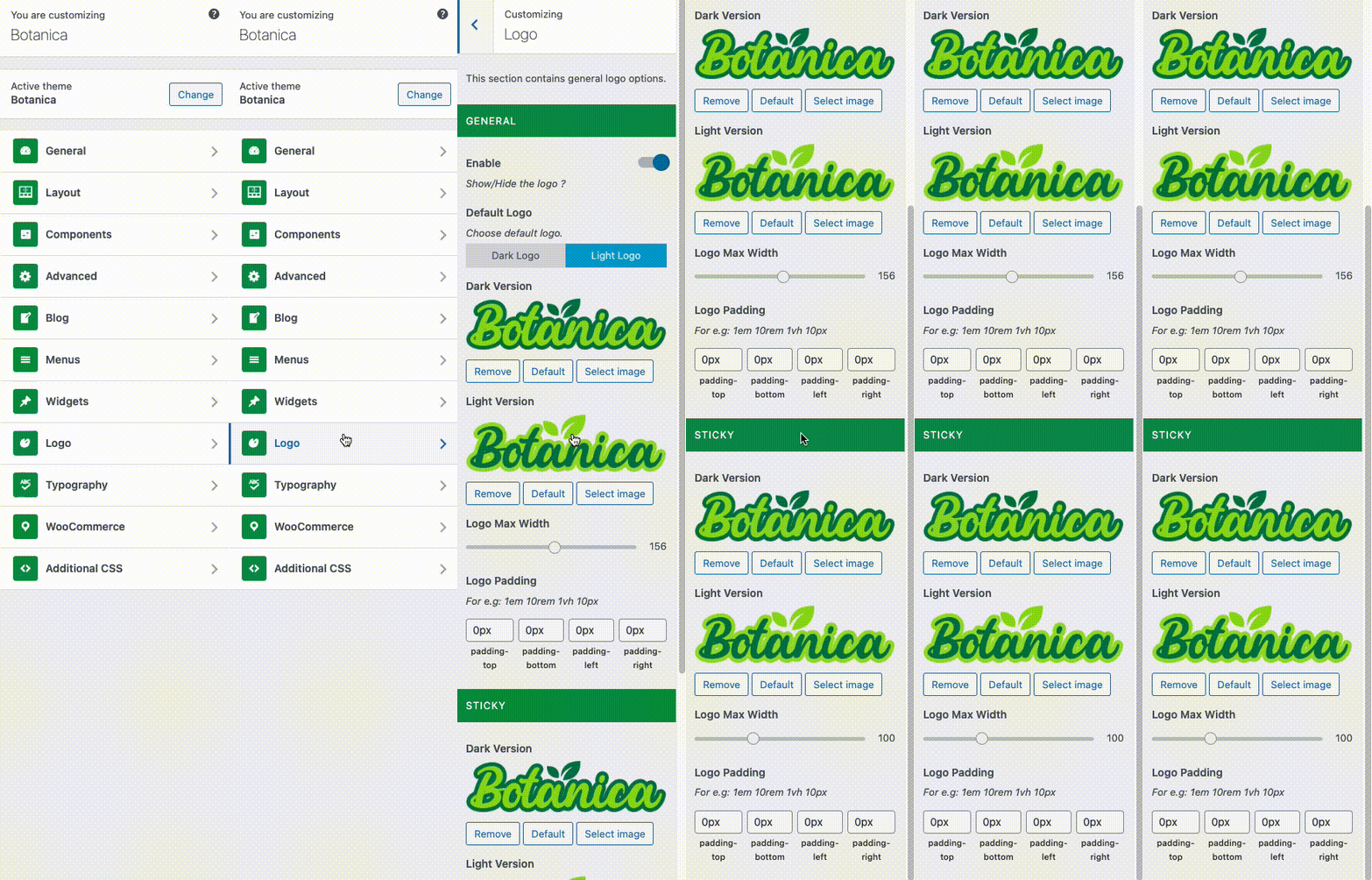
From the **WP Customize Panel**, go to the **Logo**** tab.**
{% hint style="success" %}
***Tips**: To make your logo appear sharp on a Retina resolution screen, please upload a logo twice the size you want to use. **For example**, if the logo size you wish to use for your site is **100 x 200** px (Height x Width), please use a logo with a size **200 x 400** px (**Note**, custom value "Logo Max Width" setting is 200px)*
{% endhint %}
#### Logo Setting Panel :
* Show/Hide the logo
* Set Logo padding
* Set Logo for Header sticky
* Set Logo Max Width