> For the complete documentation index, see [llms.txt](https://documents.risingbamboo.com/wp-ecommax/llms.txt). Markdown versions of documentation pages are available by appending `.md` to page URLs; this page is available as [Markdown](https://documents.risingbamboo.com/wp-ecommax/rbb-elements/rbb-woocommerce-products.md).
# RBB WooCommerce Products
This is the Element that allows you to call the product section in Elementor
### Content Tab
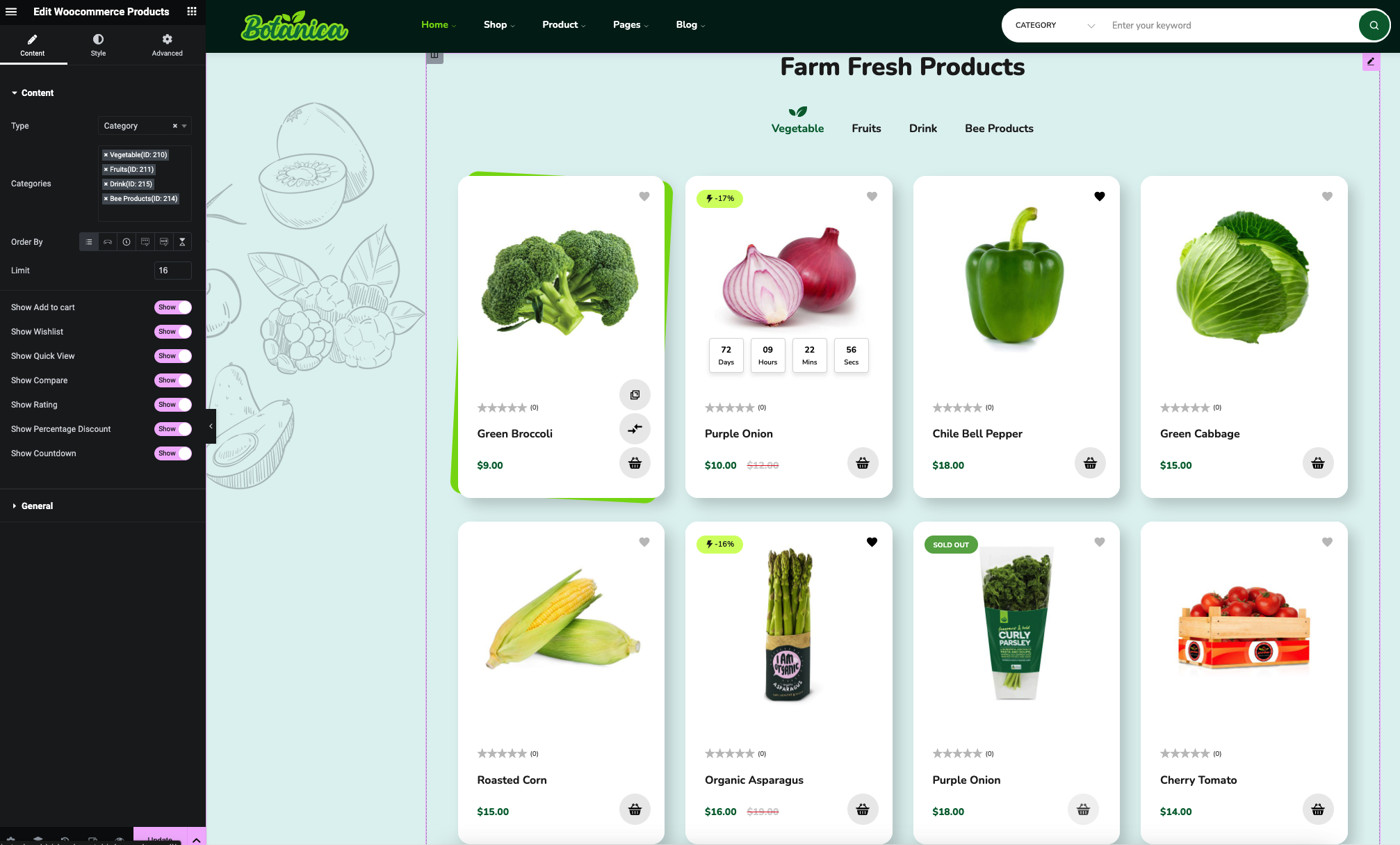
* **Type**: Select the product block as Tab (By Category) or Product
* **Categories**: Add Tab by category by searching the category name in the input field
* **Order By**: Input List - Best Selling - Latest - Rating - Price - Random
* Show / Hide some elements and buttons in the product box. For example, Add to Cart button, Wishlist button, Compare button, etc...
### General Tab
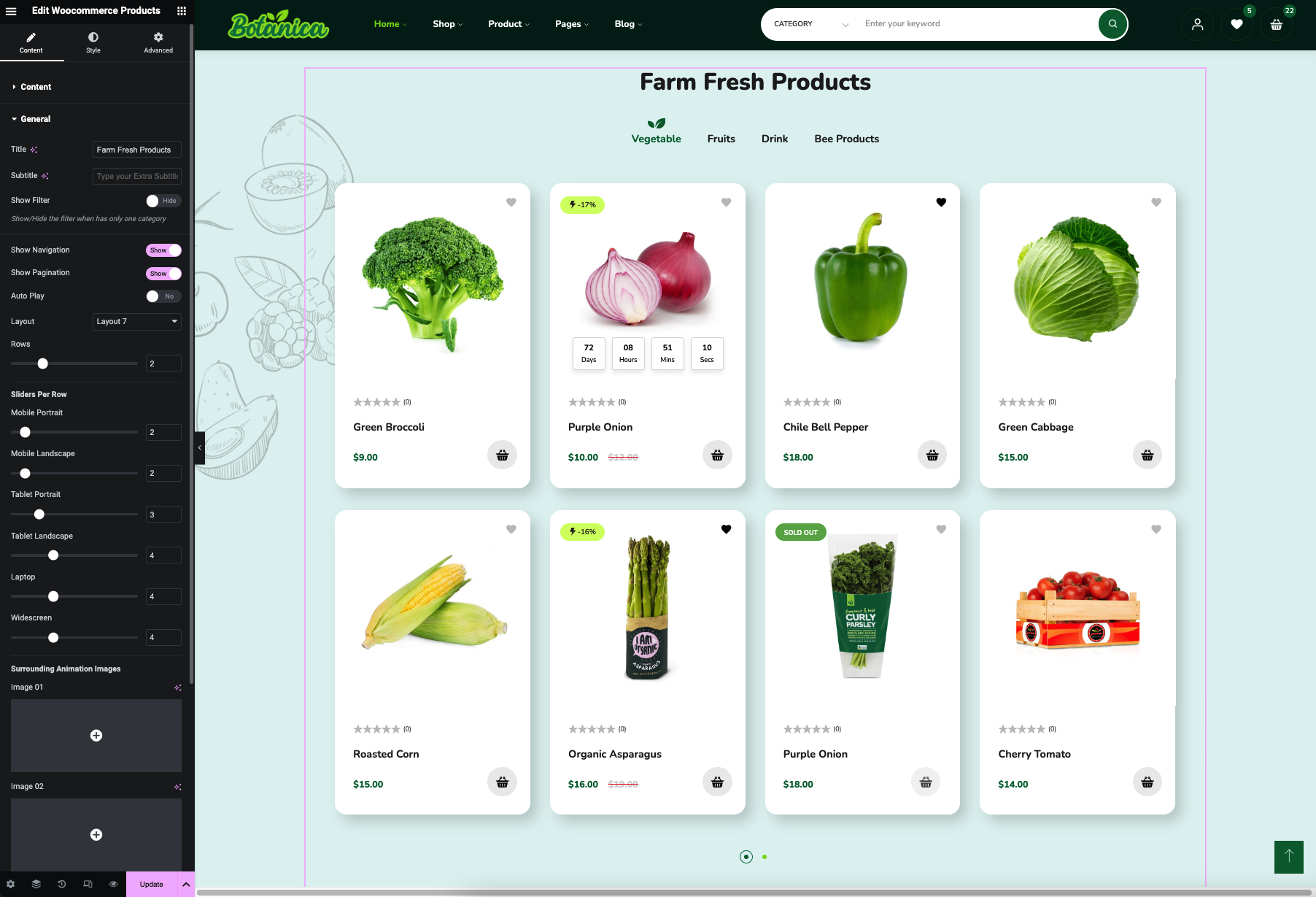
This tab allows you to customize Title and subtitle, change the Layouts, show or hide the Next-Previous button, Navigation Dot, etc...