> For the complete documentation index, see [llms.txt](https://documents.risingbamboo.com/wp-ecommax/llms.txt). Markdown versions of documentation pages are available by appending `.md` to page URLs; this page is available as [Markdown](https://documents.risingbamboo.com/wp-ecommax/blog-settings/blog-category-settings.md).
# Blog Category Settings
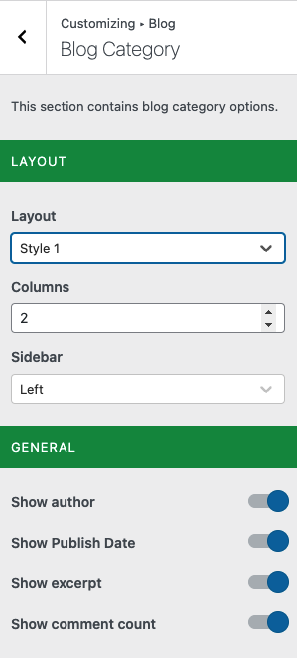
This section contains blog category options.
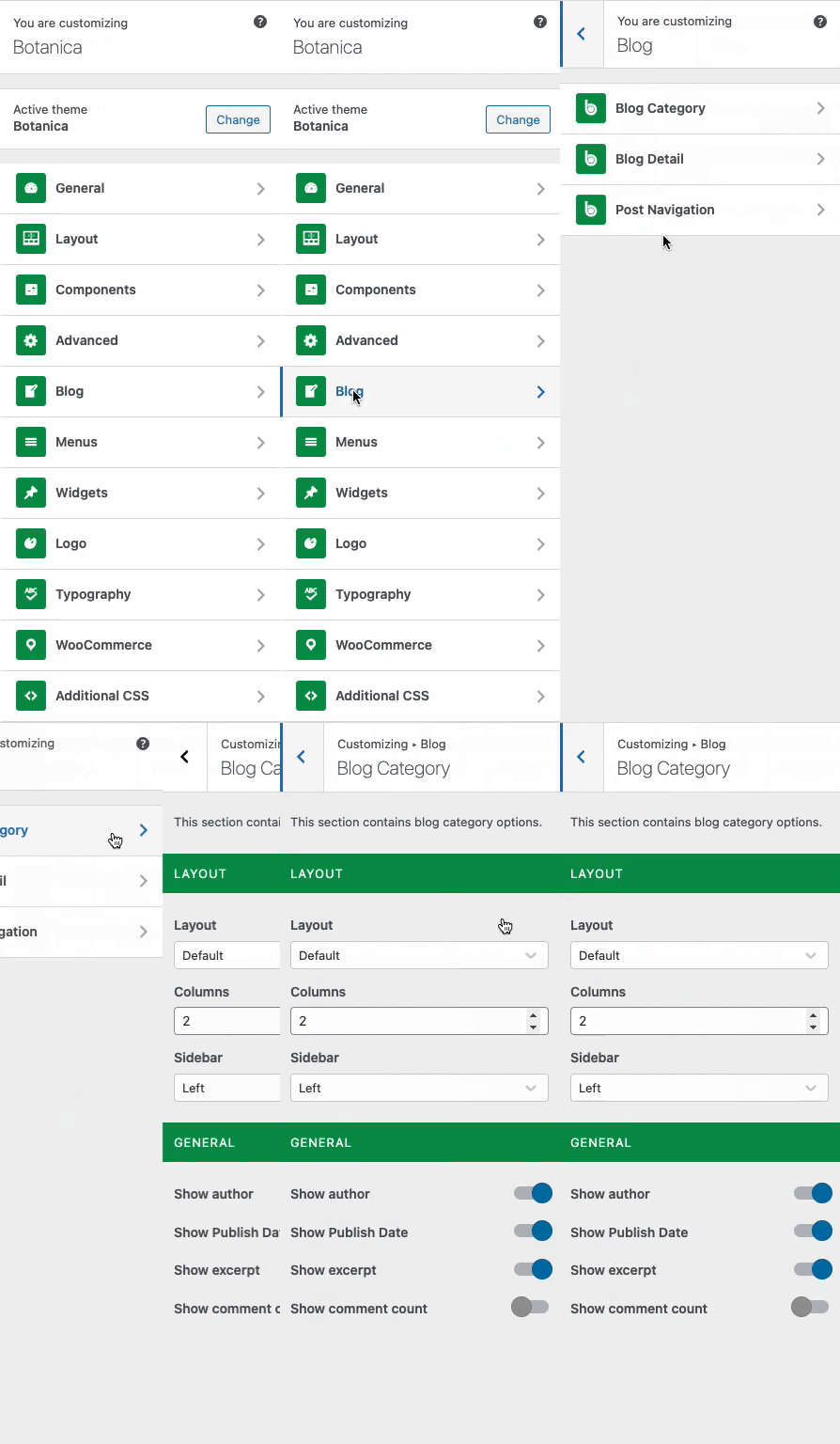
From the **WP Customize Panel**, go to **Blog** → **Blog Category.**
### 1 - Layout Section :
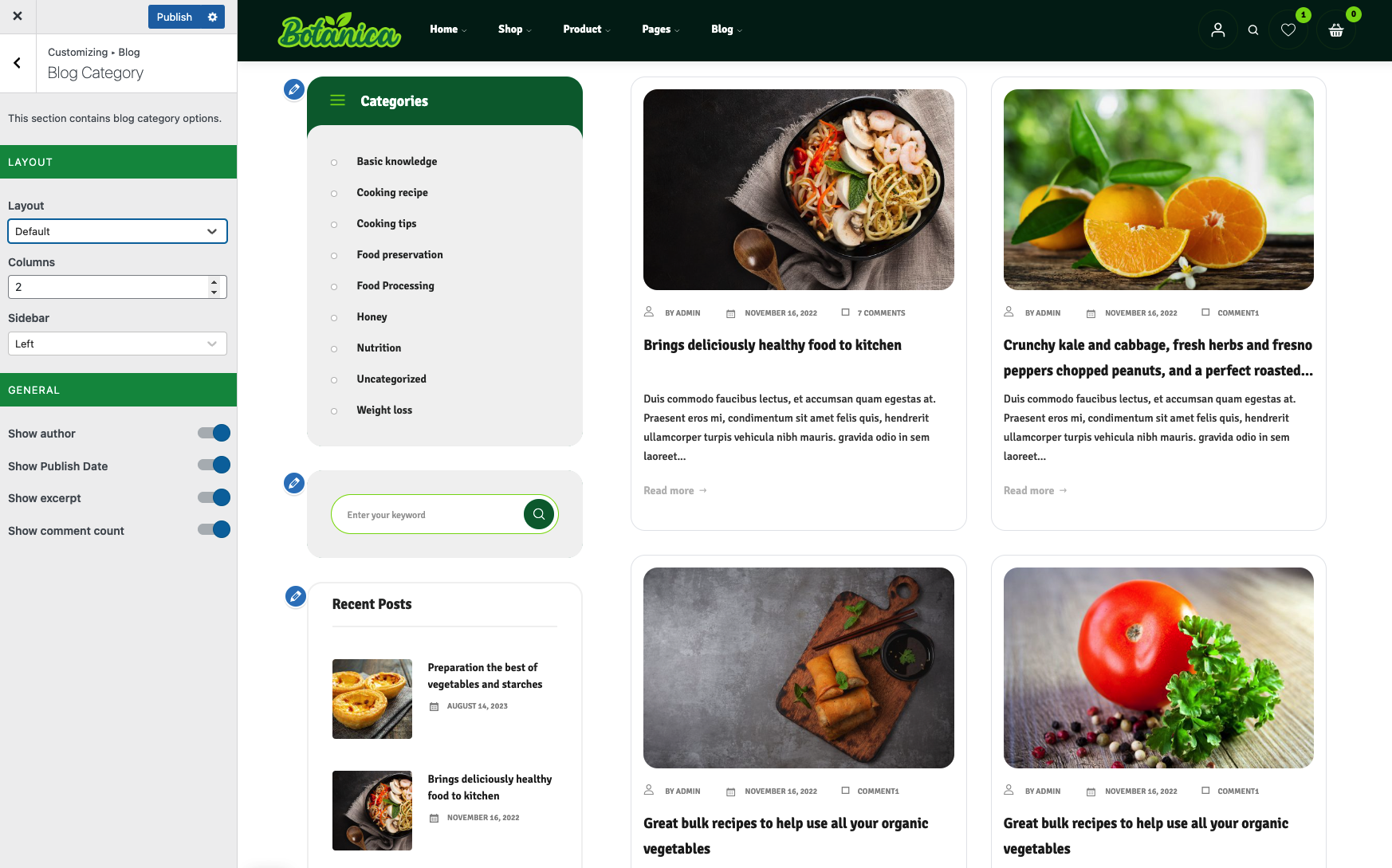
* **Layout**: Change the Layout Style for the Blog item
* **Columns**: You can use this option to customize the number of blog items that appear in each row.
* **Sidebar**: This option allows you to choose the position of the Blog Sidebar or turn it off.
### 2 - General Section
This option allows you to Disable/Enable elements on the Blog item
* Show Author
* Show Publish Date
* Show Excerpt
* Show Comment count