> For the complete documentation index, see [llms.txt](https://documents.risingbamboo.com/wp-ecommax/llms.txt). Markdown versions of documentation pages are available by appending `.md` to page URLs; this page is available as [Markdown](https://documents.risingbamboo.com/wp-ecommax/basic-theme-setup/wordpress-configuration.md).
# WordPress Configuration
### Where you can change your site's name, time settings
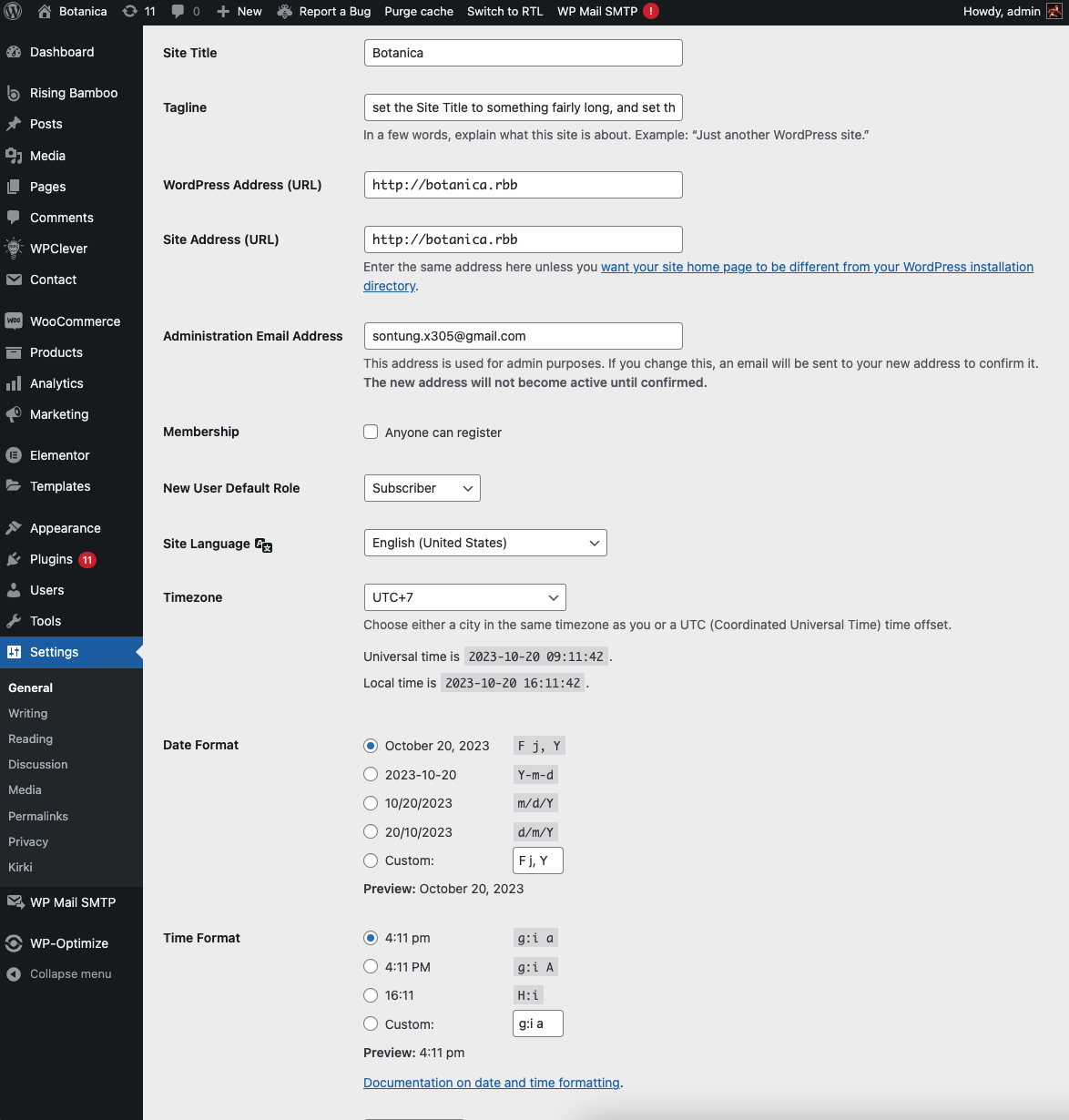
In General Settings, you can edit Site Title, Tagline, Administration Email Address, Membership, New User Default Role (*Shop Manager/ Customer/ Subscriber/ Contributor/ Author/ Editor/ Administrator*)
{% hint style="info" %}
#### From your **WP Dashboard,** Go to **Settings** → **General.**
{% endhint %}
#### You'll be able to change
* Site address
* Tagline
* Admin email address
* Allow/Disable people register
* Timezone
* Site language
* Date & time format
After completing the configuration, do not forget to click the "**SAVE CHANGES**" button!