> For the complete documentation index, see [llms.txt](https://documents.risingbamboo.com/wp-botanica/llms.txt). Markdown versions of documentation pages are available by appending `.md` to page URLs; this page is available as [Markdown](https://documents.risingbamboo.com/wp-botanica/installation/where-is-my-purchase-code.md).
# Where Is My Purchase Code?
Purchase code used to activate your theme. Each purchase code can only be used for a single project or domain.
### How to find your purchase code :
* Log into your Envato Market account.
* Hover the mouse over your username at the top of the screen.
* Click ‘Downloads’ from the drop-down menu.
* Click ‘License certificate & purchase code’ (available as PDF or text file).
\
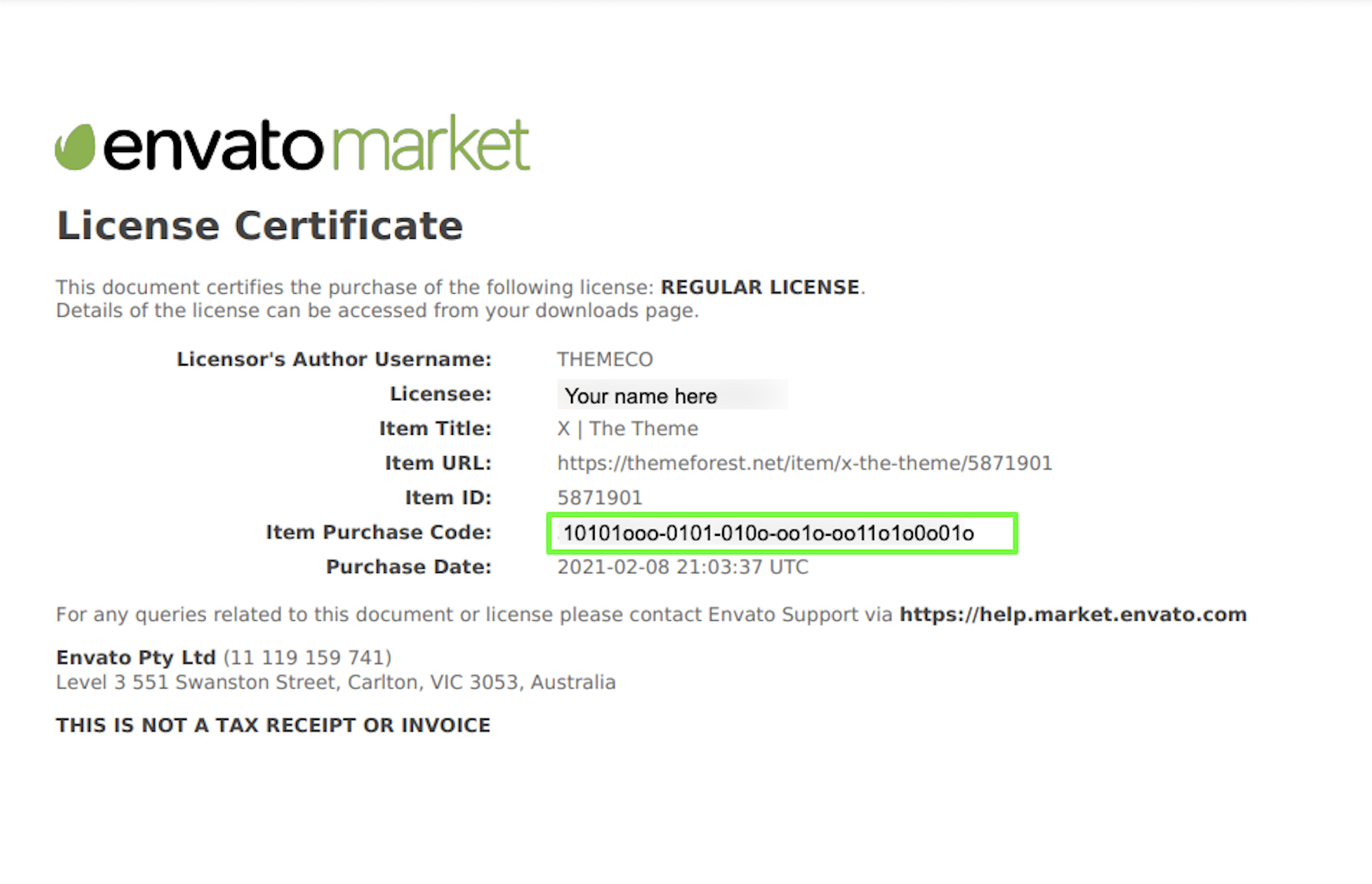
**Here is an example of a PDF License certificate and purchase code:**
{% embed url="" %}