> For the complete documentation index, see [llms.txt](https://documents.risingbamboo.com/wp-botanica/llms.txt). Markdown versions of documentation pages are available by appending `.md` to page URLs; this page is available as [Markdown](https://documents.risingbamboo.com/wp-botanica/theme-options/modal.md).
# Modal
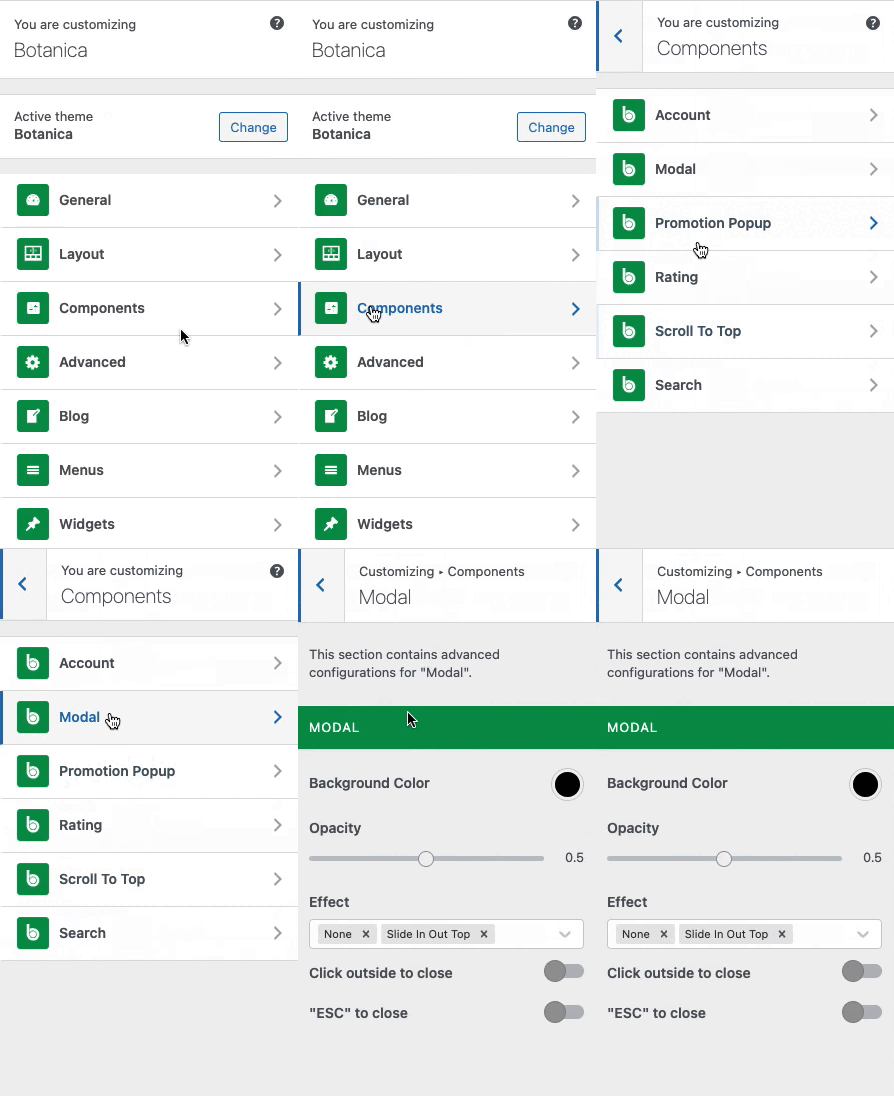
This section contains advanced configurations for "Modal".
Moda is a setting that allows you to customize popup styles such as **Newsletter Popup**, **Quick View Popup**, **Cart Canvas**, and **Login/Register Popup**.
{% hint style="info" %}
From the **WP Customize Panel**, go to **Components** → **Modal.**
{% endhint %}
You are able to change:
* Background Color
* Background Opacity
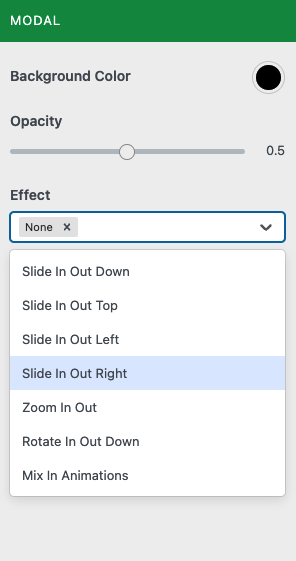
* Effect
* Click outside to close
* "ESC" to close