> For the complete documentation index, see [llms.txt](https://documents.risingbamboo.com/wp-kidioz/llms.txt). Markdown versions of documentation pages are available by appending `.md` to page URLs; this page is available as [Markdown](https://documents.risingbamboo.com/wp-kidioz/update/how-to-update-theme.md).
# How To Update Theme
Updating the theme is very simple with just 1 click
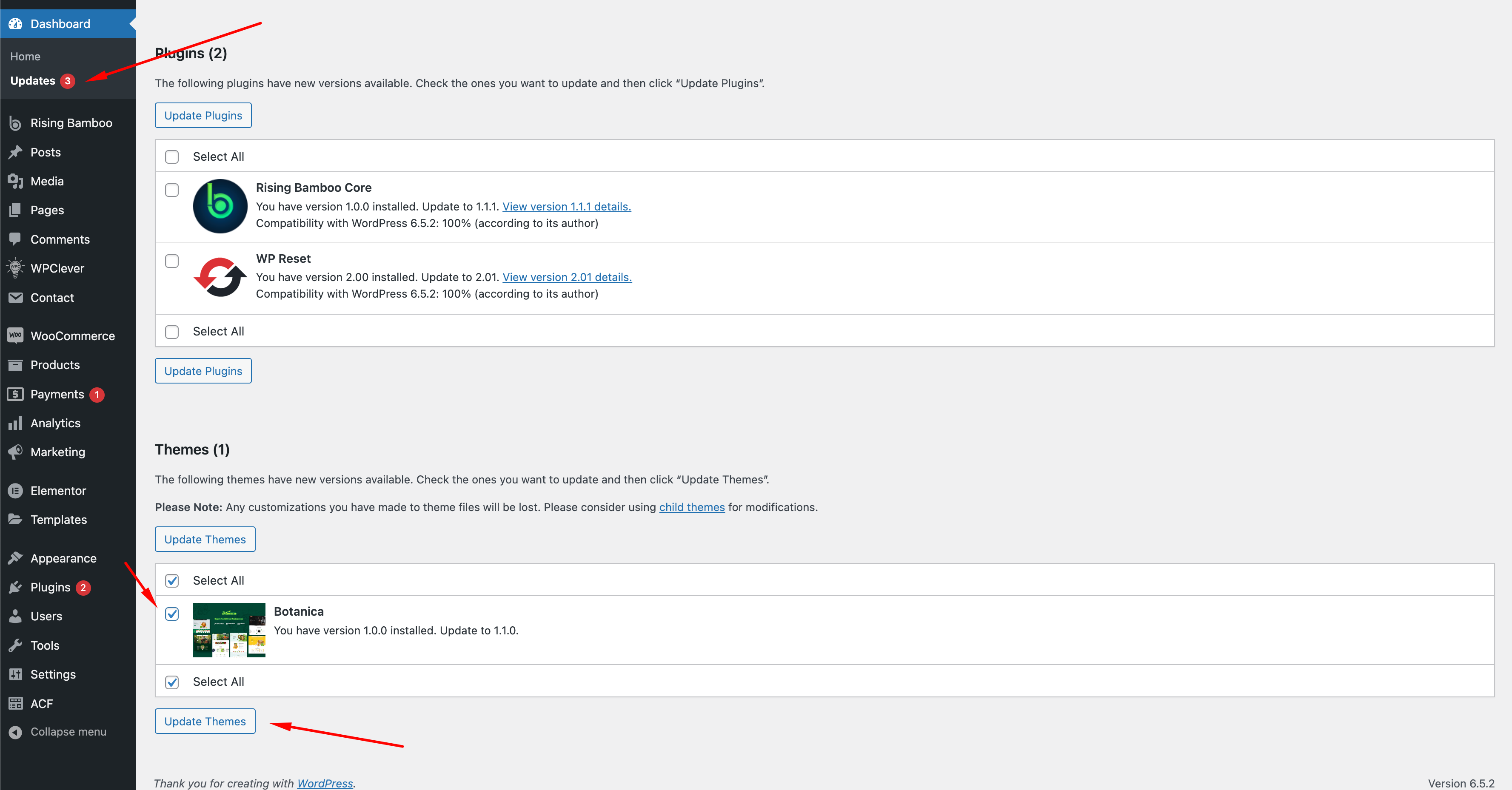
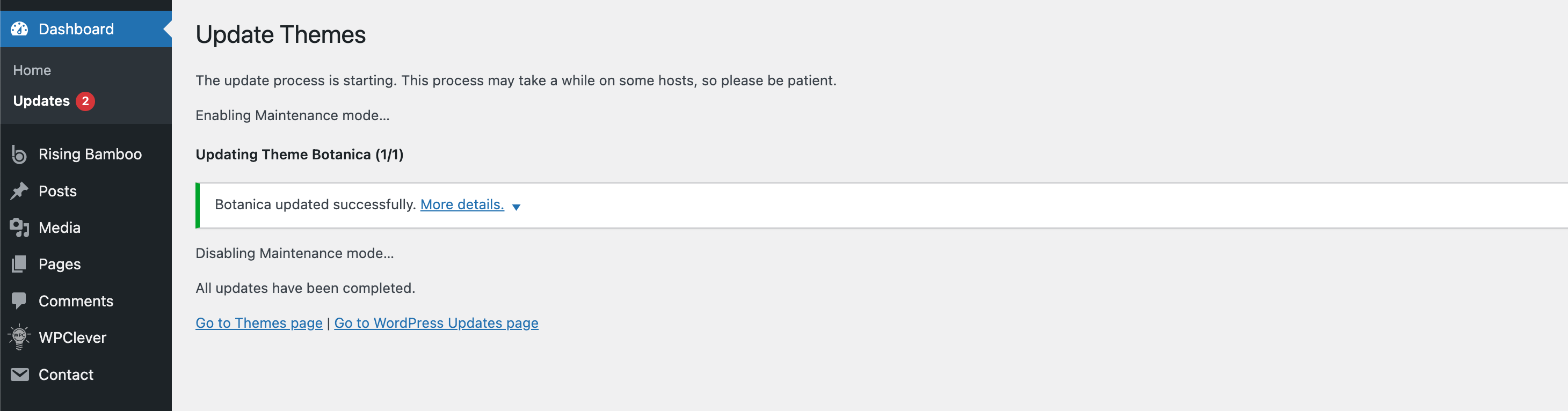
From your **WP Dashboard,** Go to **Updates.** When the new version is released, it will be available in the "**Theme**" Section. Please click the "**Update Themes**" button.
{% hint style="success" %}
**Please note**: Similar to the theme, the "Rising Bamboo Core" Plugin will also be updated in this section. If you see the Rising Bamboo plugin newly released and available for update, please update to the new version for a better experience.
{% endhint %}
{% hint style="danger" %}
All updates to themes, plugins, or any software carry a certain level of risk. **We recommend creating a backup before updating** to minimize the chance of your website experiencing extended downtime before our support team can step in.
{% endhint %}