# Where Is My Purchase Code?
### How to find your purchase code :
* Log into your Envato Market account.
* Hover the mouse over your username at the top of the screen.
* Click ‘Downloads’ from the drop-down menu.
* Click ‘License certificate & purchase code’ (available as PDF or text file).
\
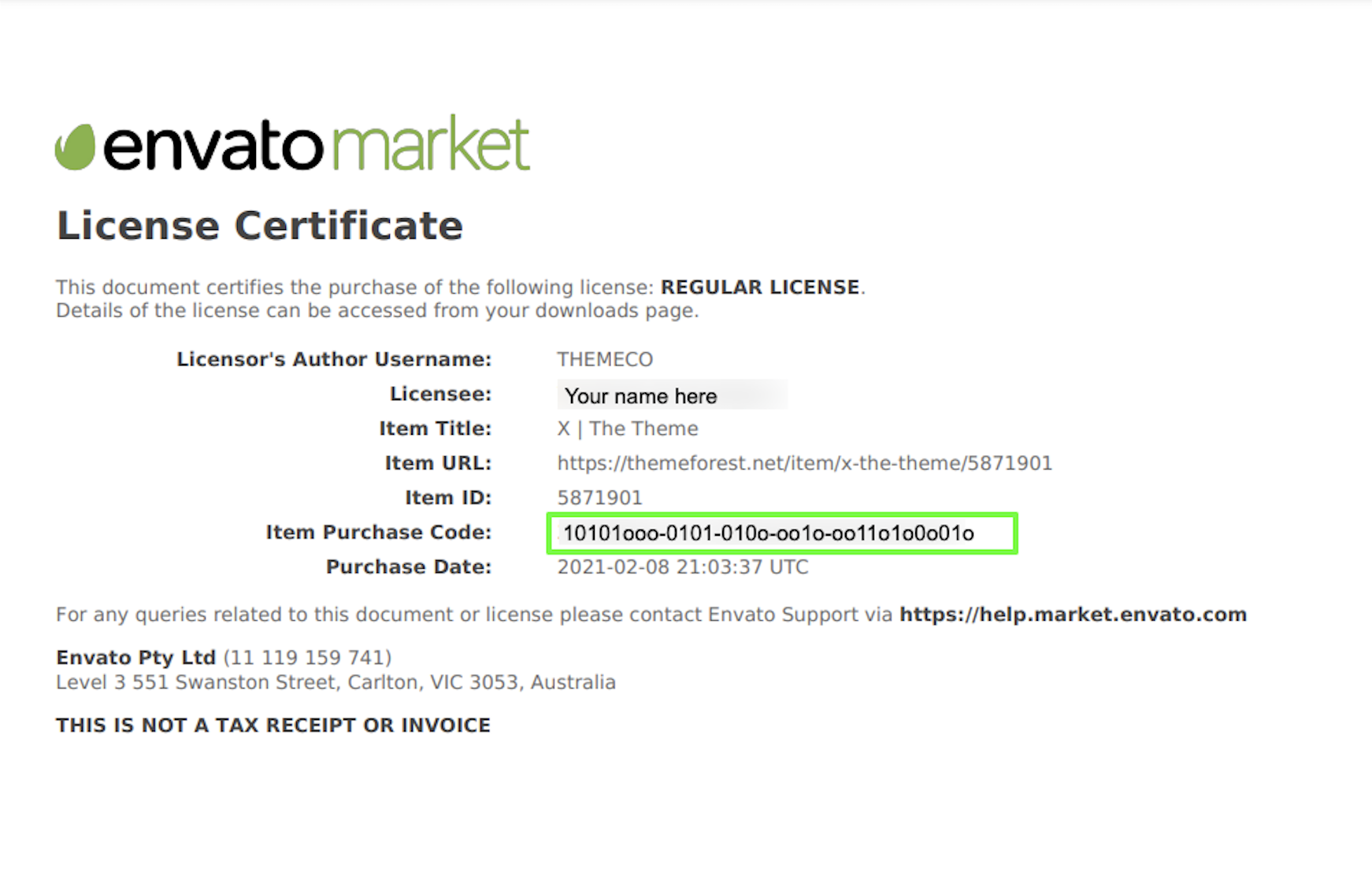
**Here is an example of a PDF License certificate and purchase code:**
{% embed url="" %}