# Related Products & UpSells
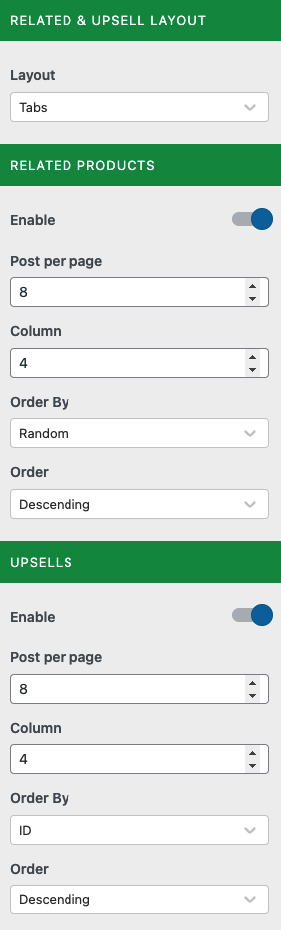
These options allow you to personalize the Related Products & UpSells sections. You can change it to a Tab or List format, change the number of products displayed, etc.
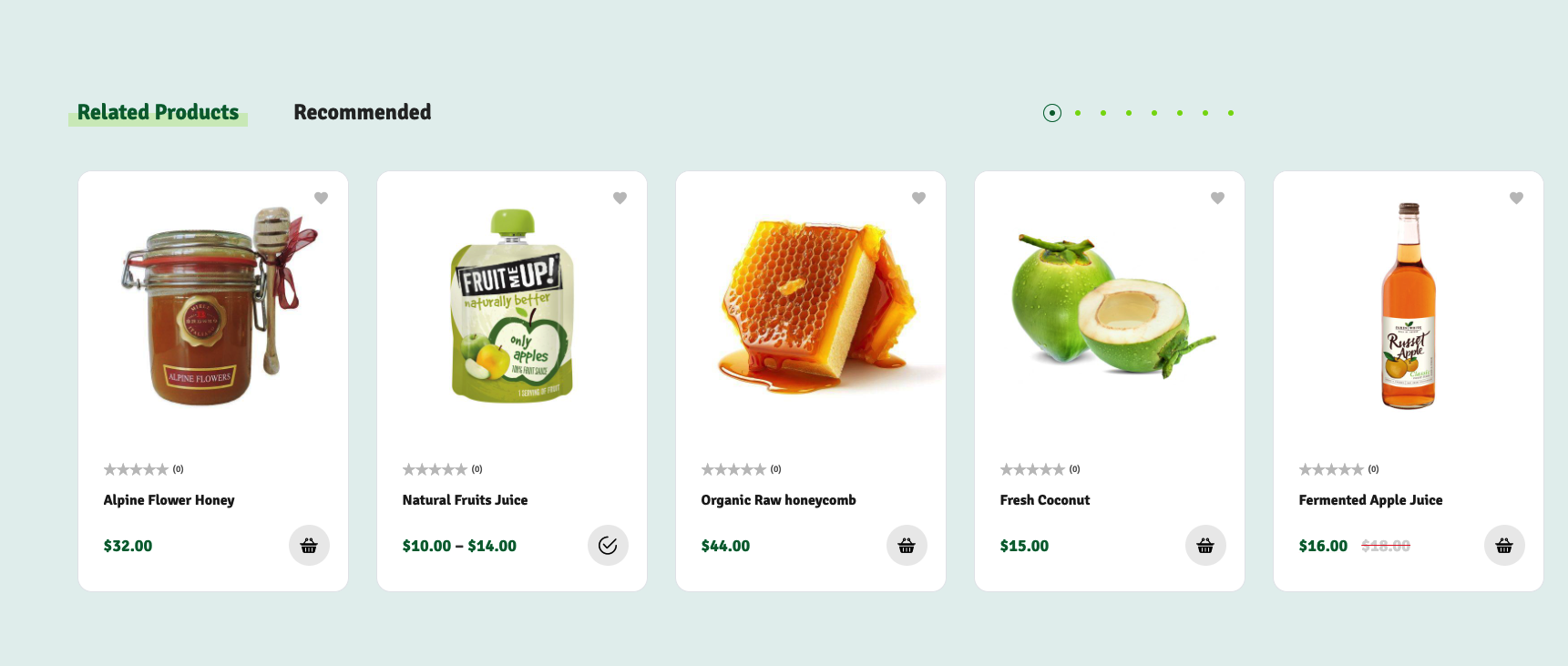
## Section this setting affects.
{% hint style="info" %}
*The UpSells section is called "Recommend"*
{% endhint %}
## How to add product to UpSells
{% hint style="info" %}
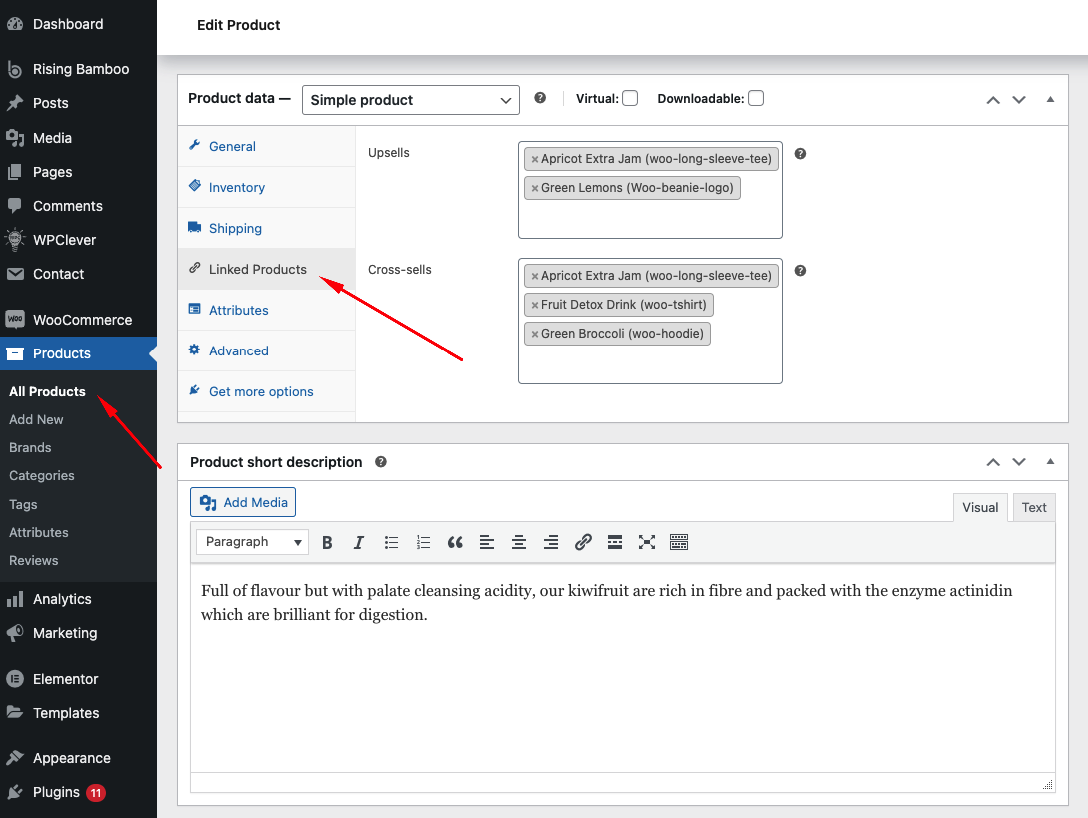
To add products to the UpSells section, please add them to the product management section. You can set this when creating a new product. If the product is already available, please click "Edit" on the product to set this value.
{% endhint %}
In the "Product Data" section, click on the "Linked Products" tab